Share into VaultDrop
Tap Share from Instagram or YouTube and VaultDrop appears as a share target. The app detects the platform and prepares either a download action or a bookmark save flow.
VaultDrop is a dark, polished Android app for Instagram and YouTube links. It captures shared URLs, builds a download queue, saves bookmarks with notes and tags, and gives you an in-app preview experience with fast maintenance tools in Settings.
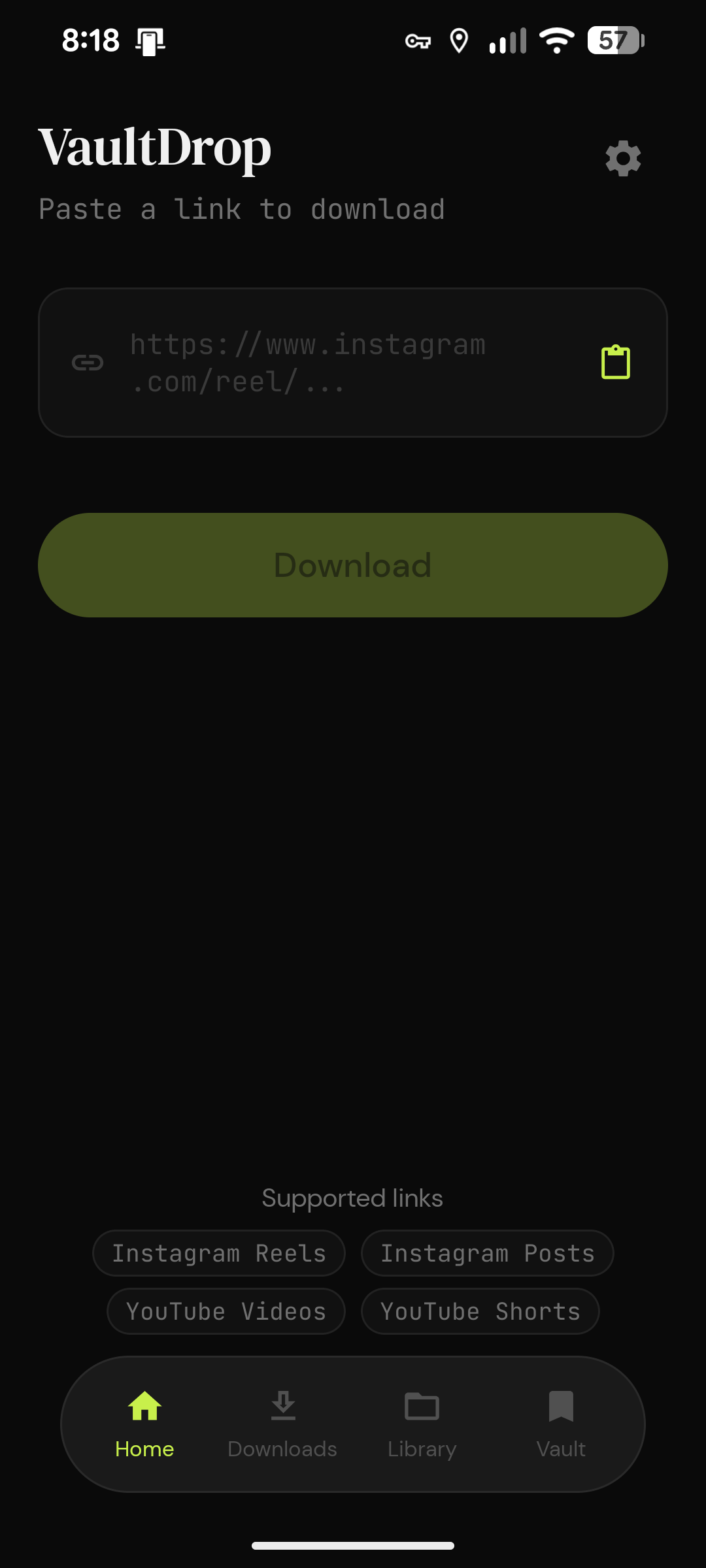
VaultDrop turns shared links into a structured local library. Instead of losing track of reels, posts, and videos, you can download them, save them as bookmarks, add reusable tags, and come back later with thumbnails, notes, and a clean timeline view.
Tap Share from Instagram or YouTube and VaultDrop appears as a share target. The app detects the platform and prepares either a download action or a bookmark save flow.
Send the link to the download queue, or save it to Bookmarks with a note. On the save flow, you can tap reusable tags before writing the final comment.
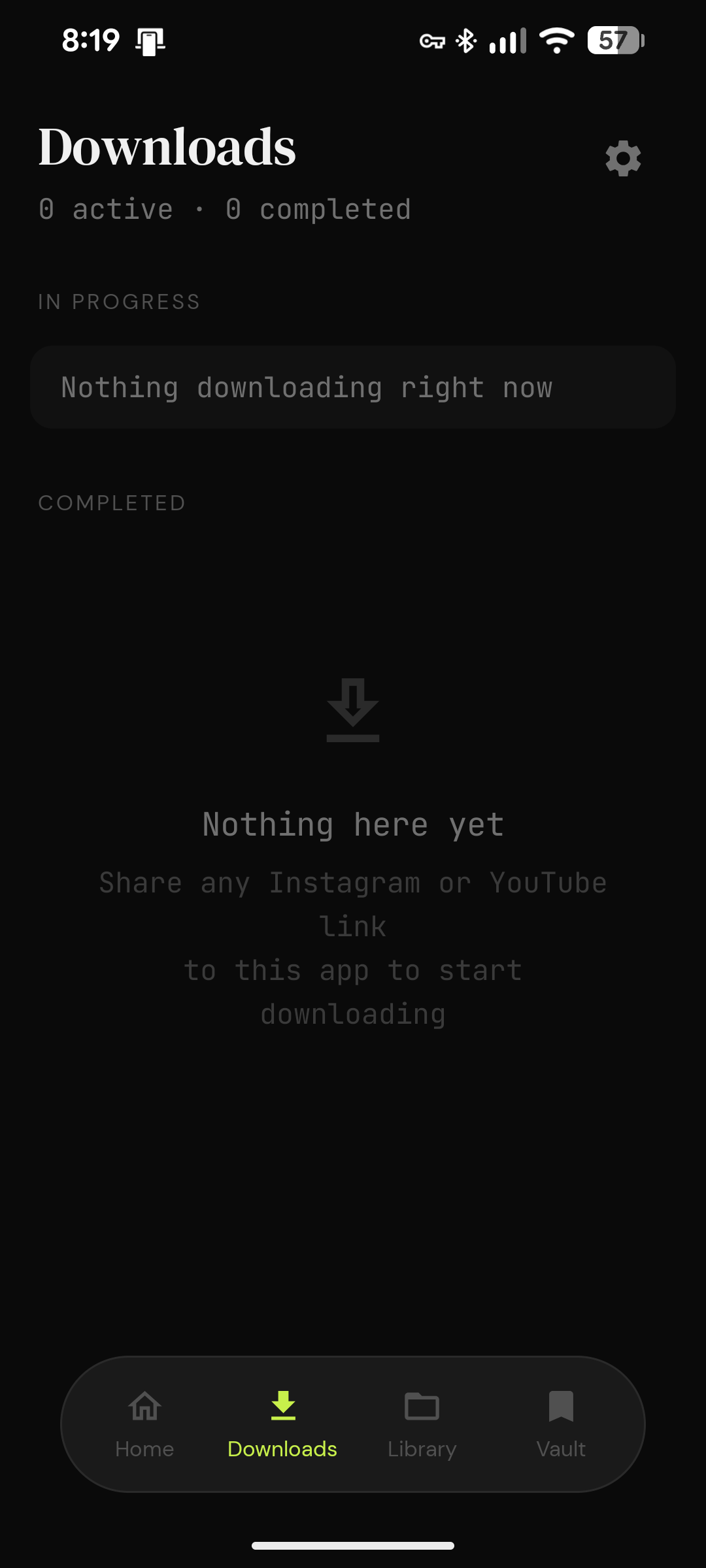
Open Downloads to watch active items, review progress, and inspect queued or failed jobs. Each download card shows metadata and visual status feedback.
Completed files are collected in Library, where you can open the built-in player, browse by date, and access content quickly in a visual grid.
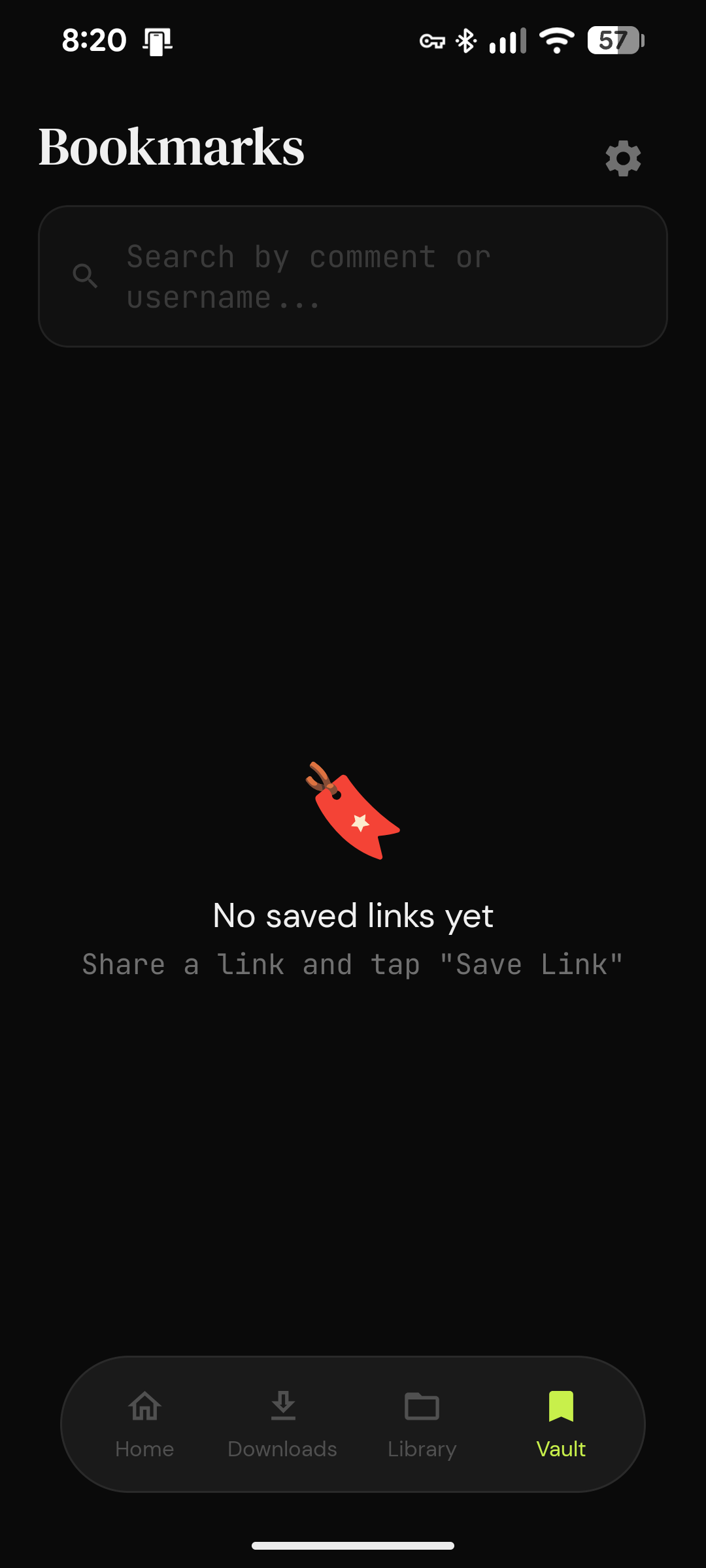
Saved links appear in a thumbnail-first Vault view. Long press any card to preview, open in browser, copy the link, refresh the thumbnail, or delete the bookmark.
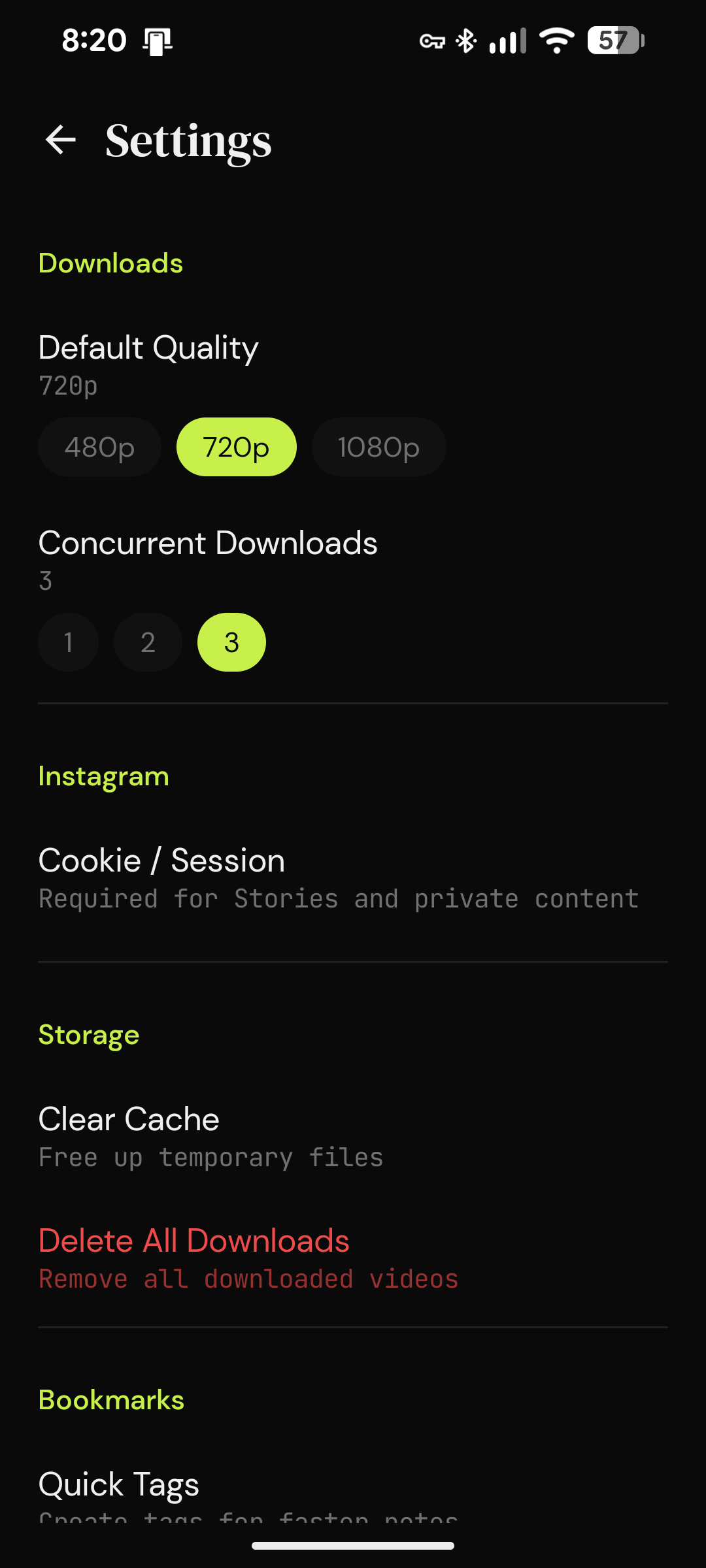
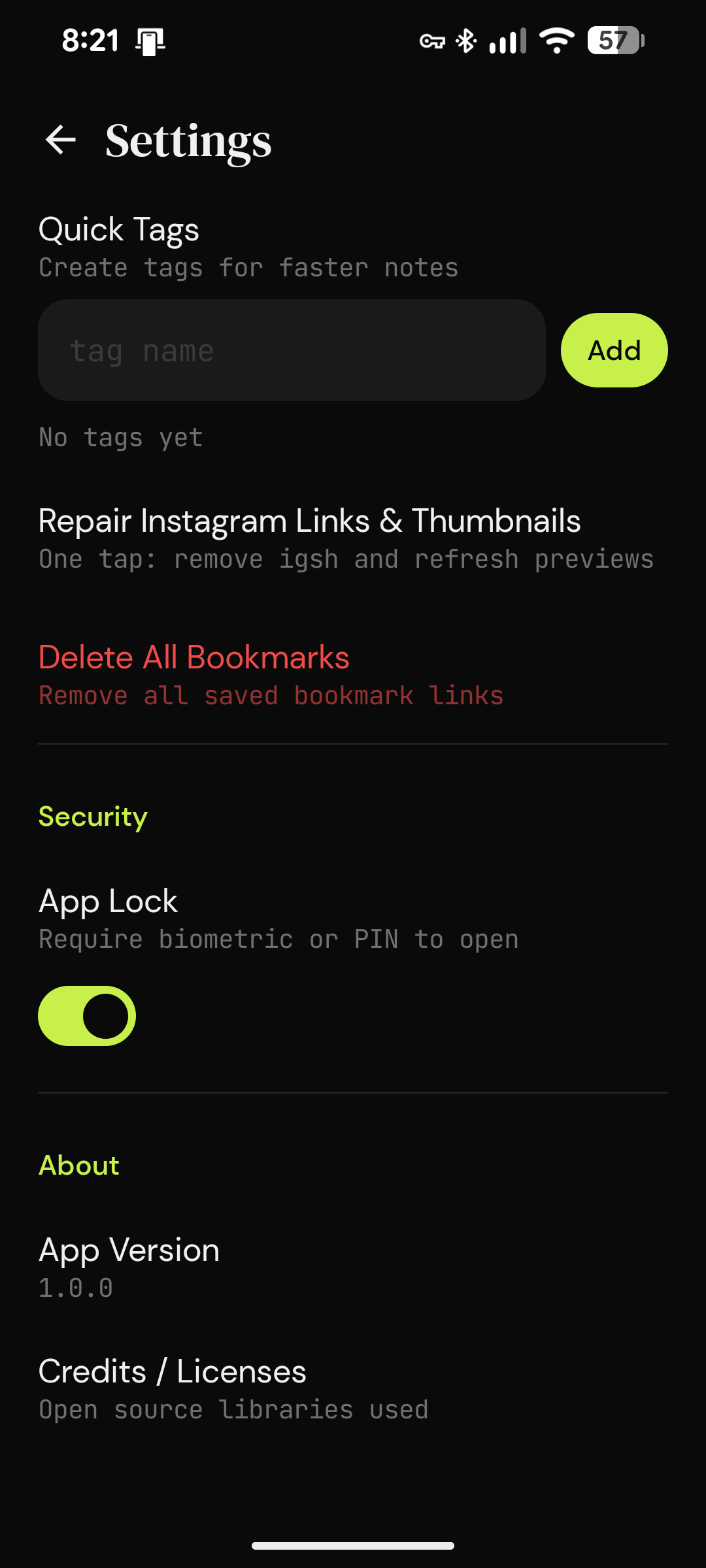
Settings includes tools to repair Instagram URLs, refresh thumbnails, manage session login, and maintain reusable bookmark tags without leaving the app.
Queue multiple links, track progress, and keep downloads organized with active/completed states.
Save links with comments, notes, tags, and thumbnails so you can return to them later.
Preview shared links inside the app with direct media resolution and a safer fallback state.
Normalize Instagram links, remove tracking fragments, and refresh old thumbnails in one tap.
Save your logged-in session to improve extraction for private or limited Instagram content.
Manage quick tags in Settings and apply them to bookmark notes from the save link flow.
The app receives an Instagram or YouTube text link through the Android share sheet and detects the platform automatically.
VaultDrop fetches metadata, thumbnails, and media URLs, then sends downloads to the queue if that path is chosen.
Saved links receive thumbnail previews, optional tags, comments, and cleaned canonical URLs for long-term use.
If thumbnails or URLs degrade, Settings can repair Instagram links, refresh previews, and manage your login session.